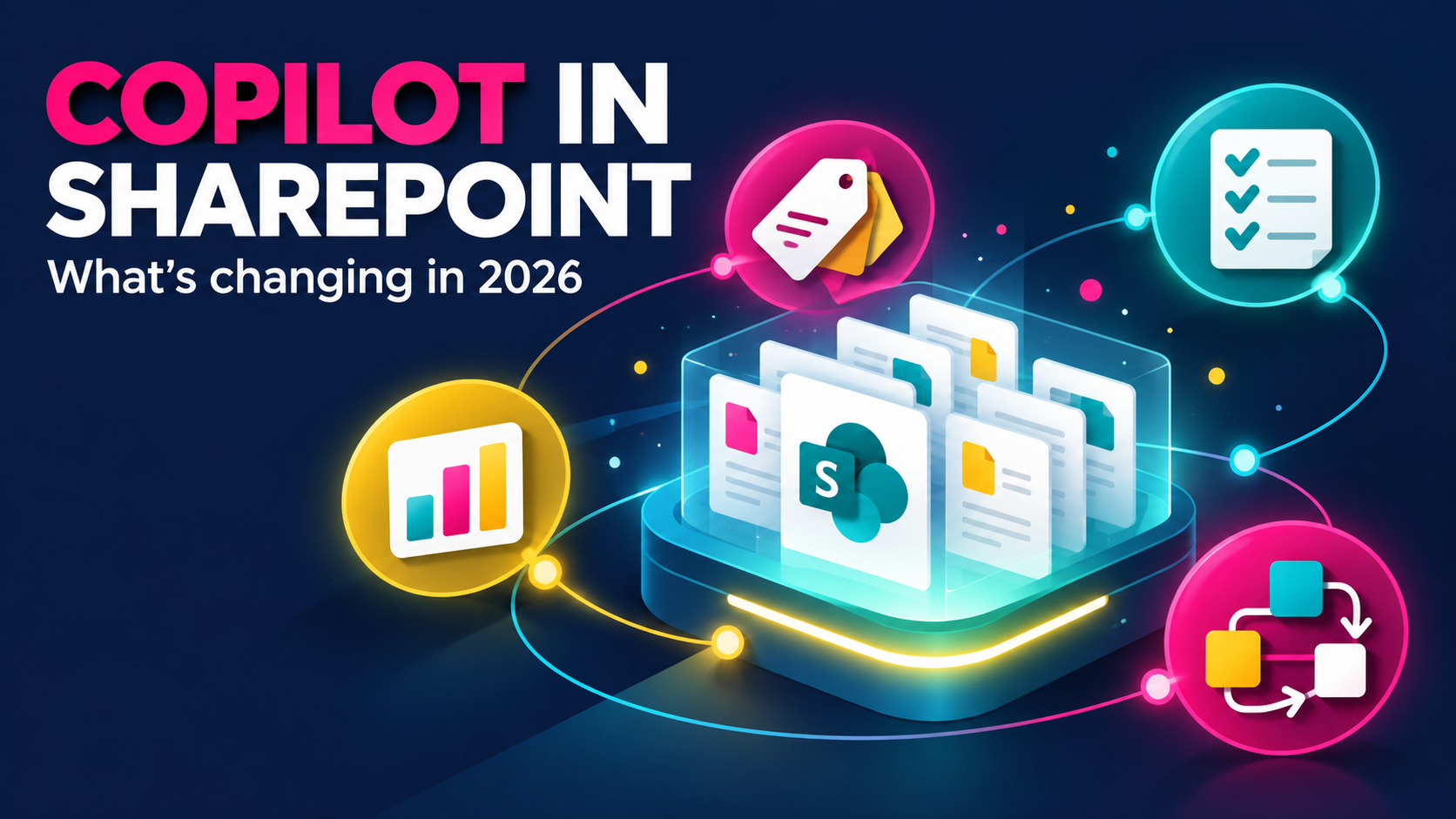
Copilot in SharePoint Is Changing: What the New AI Features Mean for Your Content
New AI features are changing SharePoint. Here is what they mean for your content, and why the foundations still matter.
THE SMARTER WORKSPACE EDIT
Less mess. Better knowledge. Smarter AI.
Practical SharePoint and Copilot advice, from my working world to yours.
01 / THE METADATA EDIT
02 / ACCESS, EXPLAINED
03 / BEFORE COPILOT
FIX THE MESS™
Keep one working file and share its link. Use SharePoint version history to track changes, instead of creating another ‘final’ copy.
01 / READ THE EDIT

New AI features are changing SharePoint. Here is what they mean for your content, and why the foundations still matter.

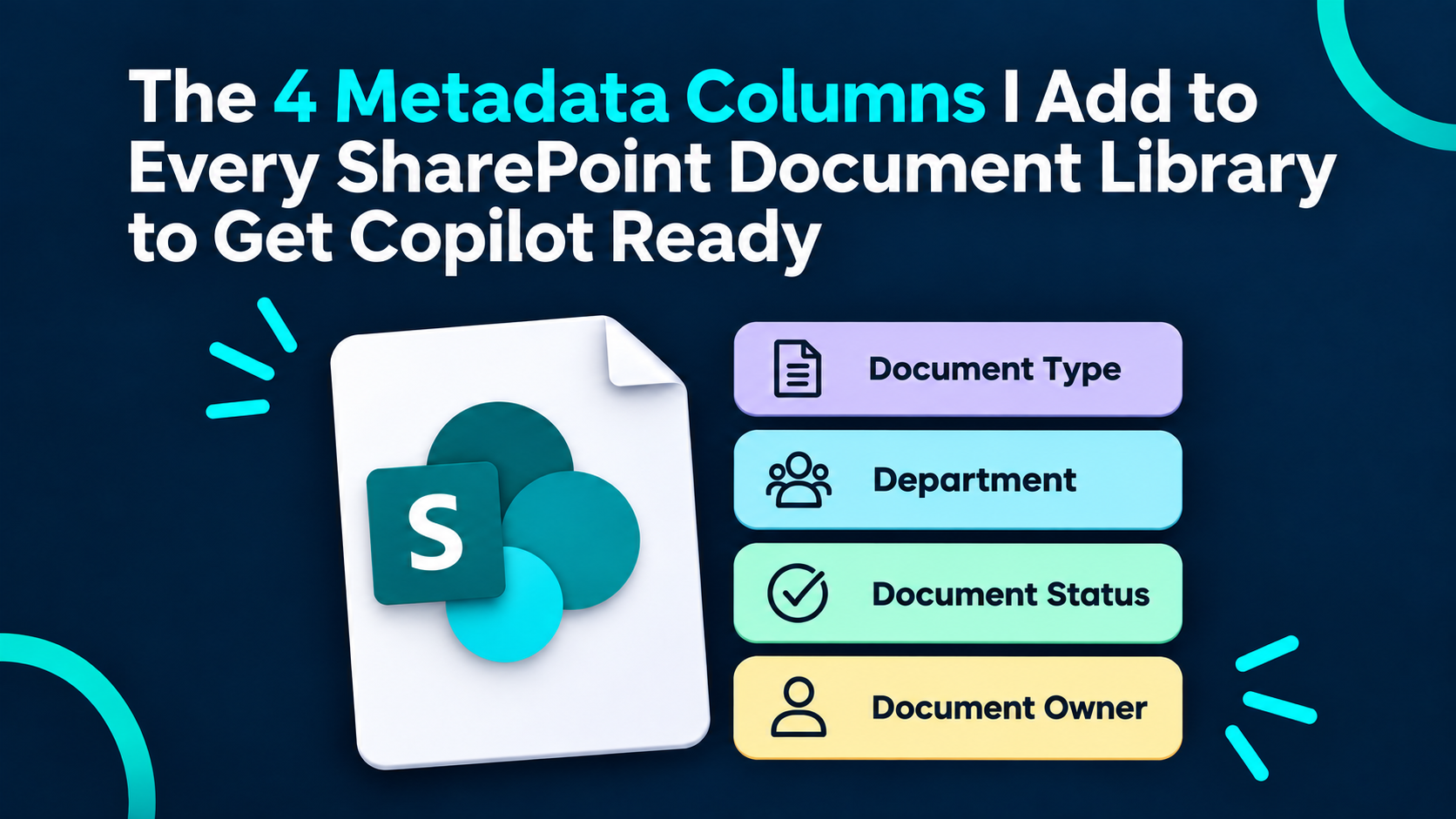
Four practical metadata columns to give your documents more context and make your library easier to work with.
Twenty practices to bring more structure, clarity and consistency to your SharePoint environment.

Make sense of AI in SharePoint: what is available, what is changing and where preparation starts.

Choose your AI tool with the task in mind. A practical guide to finding the right starting point.
AI makes the quality of your information more important. Start with the metadata that gives content meaning.
Before deploying AI, get clear on governance, ownership and the decisions your organisation needs to make.

As AI changes the workplace, what happens to the people who design its information? A look at the role ahead.

Think beyond folders. See your document library as structured information you can organise, find and use.
THE AI READINESS EDIT
IA means information architecture: how your content is organised, labelled and managed. Clear libraries, useful metadata and current documents give Copilot a stronger foundation.
02 / WATCH THE EDIT
Use metadata to organise information beyond folder structures.
Build a policy library with practical metadata, step by step.
The four columns I add to make documents easier to manage.
Keep one working file and let version history track changes.
03 / PRESS PLAY
The Simply SharePoint podcast
Real talk about document chaos, better structure and making Microsoft 365 work for the people using it.
04 / THE ESSENTIALS
THE STARTER EDIT
A practical place to begin: sites, libraries and the basics that make everyday work easier.
THE EVERYDAY QUESTION
Understand the difference so your documents have a sensible home.
THE SHARING EDIT
Sharing and copying a link are not always the same thing. Get clear on access before you send.
05 / MEET THE EDITOR
Microsoft MVP. SharePoint specialist.
Strong opinions about good structure.
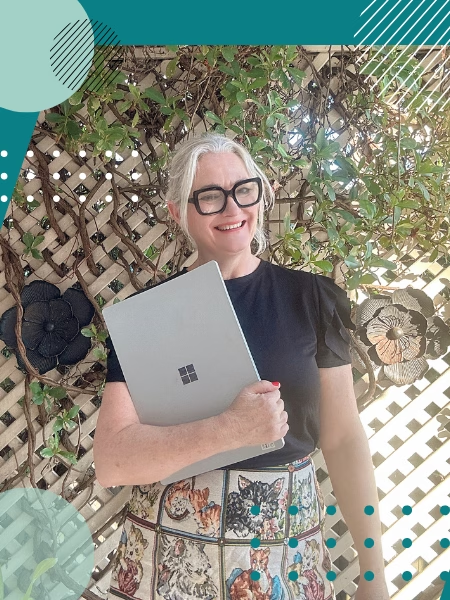
I bring more than 20 years of experience to the parts of Microsoft 365 that make everything else work: information architecture, governance, metadata and Copilot readiness.
Simply SharePoint is where practical advice meets a little personality. Think clearer libraries, calmer handoffs and a workspace that works beautifully.
START HERE / YOUR FREE SHAREPOINT RESOURCE
Know what to fix first in SharePoint.
Use 25 quick checks to spot what’s hard to find, what you can’t trust and where to focus your clean-up.
Sign up to get your free copy.