
Emails have come a long way, and I’m showing my age a little here, but I will never forget the excitement of sitting at my desk decades ago when my boss sent me the first ever email across the office. I remember looking at my screen thinking, what’s this? Then jumping up and saying, oh my God, this is amazing. It felt like such a shift in how we worked.
A few decades later, I found myself involved in conversations and even recordings about the future of work and collaboration, where the message was already starting to come through loud and clear that email was on its way out. If you’re interested, here’s one of those early discussions I was part of and If you do watch it, that was 11 years ago… black hair era. We’re calling it blonde now.:
“And here we are, still having the same conversation.”
Back then, and especially when Yammer first came onto the scene, there was a lot of noise about how this was it, the beginning of the end for email. And to be fair, it made sense at the time. Social-style communication, open conversations, less inbox clutter. But here we are, still emailing, still attaching files, still relying on it more than we probably want to admit. So what happened?
It Was Never About the Tool
We like to think people hold onto email because they resist change, but they don’t. People adopt tools that make their work easier every single time. Email didn’t survive because it’s modern, it survived because it works. That’s the part most organisations miss when they try to push adoption of newer tools without understanding why people keep going back to email in the first place.
Email Is Structured by Default
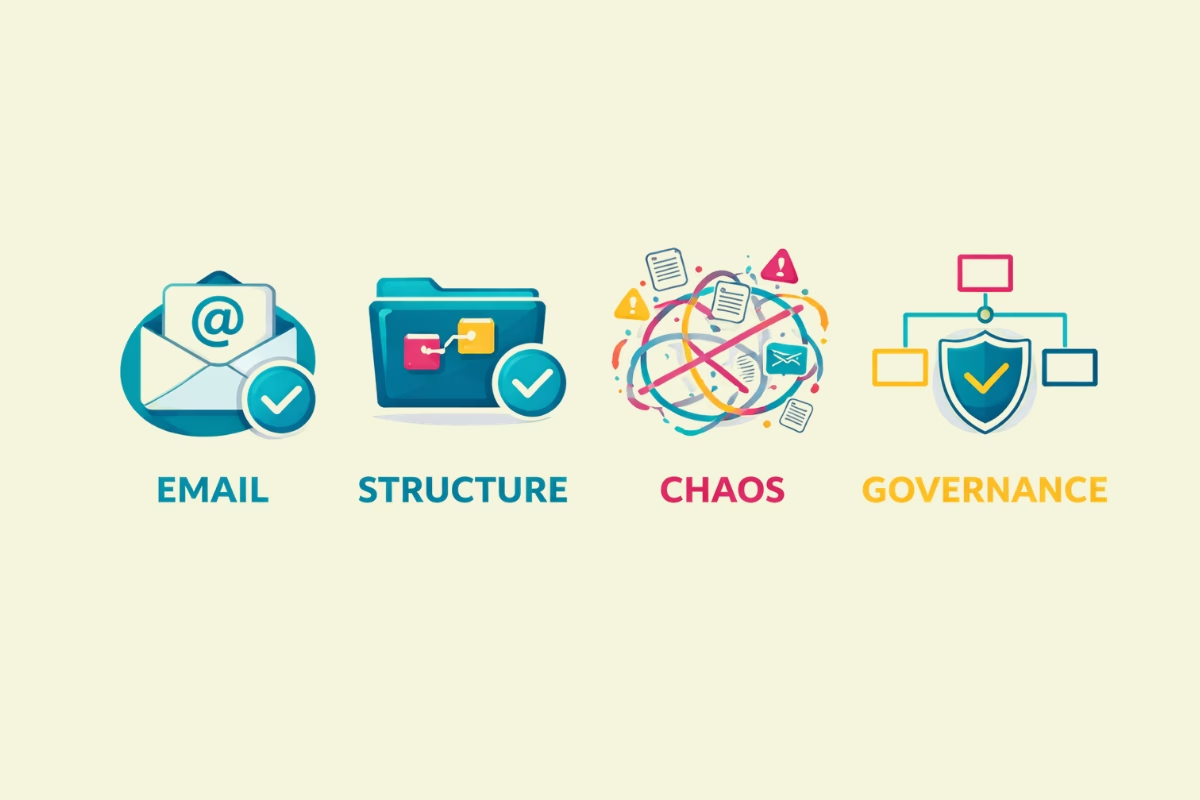
There is something incredibly simple about email that we have taken for granted over time. It has structure built in. A subject line that tells you what it is about, a thread that keeps the conversation together, and a clear list of who is involved. Everything is contained in one place. You do not have to think about where something lives or how to organise it. It just sits there, ready to be processed. That level of built-in structure is what makes it so effective in a busy work environment.
Modern Tools Removed the Containment
Now compare that to how most organisations are using Teams and other modern tools. Conversations happen in channels, side conversations move into chat, files are stored in SharePoint, and links are shared across multiple places. There is no consistent way of tying it all together. You might have part of a conversation in a Teams channel, a follow-up in chat, a document stored somewhere else, and a decision buried in a meeting. Nothing is contained, and while everything is technically connected, it is not organised in a way that makes it easy to follow.
Email Feels Manageable (Even When It Isn’t)
This is the part people do not often say out loud. Email gives people a sense of control. Your inbox represents your work. You can sort it, flag it, move it, and search it. You can work through it from top to bottom and feel like you have actually achieved something. Even when it is chaotic, it is contained chaos. In a busy workplace, that feeling matters because the alternative often feels like a constant sense that you might be missing something important.
This Is Where Adoption Breaks Down
We did not replace email with something better structured. We replaced it with multiple tools and no clear way of using them together. There is no consistency, no agreed patterns, and no design behind how work should flow. So people default back to the one place that still makes sense. Not because they love it, but because they trust it.
The Real Problem Isn’t Email
The real problem is structure. If your Teams environment feels scattered, if your files are hard to find, and if your conversations are split across multiple places, that is not a user problem. It is a design problem. When the environment is clear, consistent, and easy to navigate, people do not need to be told to adopt it. They will use it naturally because it works.
Email Isn’t Going Anywhere
Email is not going anywhere any time soon. Until modern workplaces offer the same level of clarity, containment, and predictability, email will continue to fill that gap quietly and reliably. It may not be perfect, but it is dependable in a way that many newer tools have not yet achieved in practice.
The Shift That Actually Needs to Happen
The organisations that get this right don’t try to eliminate email. They stop treating it as the problem and start understanding why people use it in the first place. Email works because it is structured, contained, and predictable, and those are the exact qualities missing from many modern workplace environments. Instead of trying to replace it, the focus needs to shift to designing how work flows across tools. That means being clear on when to use Teams, when to use SharePoint, where content should live, and how conversations should happen. It means reducing fragmentation and creating a consistent, logical experience that people can follow without having to think too hard.
The Recommendation
Stop trying to replace email. Start designing structure into the way your organisation works. Understand why people rely on it, and use that insight to shape how your modern tools are set up. When Teams, SharePoint, and your broader environment offer the same level of clarity and containment, email naturally becomes just another tool rather than the default. Until then, people will continue to go back to what feels organised, predictable, and under control.
The Bottom Line
Email didn’t survive because people are stuck in the past. It survived because it is structured. Work with that, not against it.

Hi, I’m Liza 👋
I’m a Microsoft MVP and have been working with SharePoint for nearly two decades, across consulting and in-house roles, helping organisations design, clean up, and scale their Microsoft 365 environments.
My focus is information architecture — the unglamorous but critical layer that determines whether search works, governance sticks, and tools like Copilot help… or quietly make things worse.
Through Simply SharePoint, I share practical, real-world guidance on structuring libraries, designing metadata, managing permissions, and fixing the kinds of issues that naming conventions, policies, and “best practice” slides never really solve — work that has contributed to my recognition as a Microsoft MVP.
Everything here is based on how SharePoint is actually used — not how we wish it was used — with a strong emphasis on foundations that scale and hold up in the AI era.
