Before we brief Copilot, can somebody tell me which of these five final files is actually final?
Because I have questions. And so does everyone trying to get their work done.
The proposal in the project folder. The updated proposal attached to an email. The version someone downloaded to make a few changes. The one called FINAL. The one called FINAL NEW.
Somewhere in there is the document the team should be using. Apparently, finding it is a group activity.
Final_final_v7 is not a filing strategy.
It is a very small filename describing a much bigger problem: your workplace has stopped telling people what matters, what is current and where to go next.
Your SharePoint needs an edit.
A prettier homepage will only get you so far
I love a good-looking page. Clearly.
But a beautiful front door cannot explain why the leave policy appears in three places and nobody knows who owns it. A new banner will not decide whether last year’s procedure is still valid. Another navigation link will not help if the label means something different to every department.
Design matters because it helps people understand what they are looking at. That includes the decisions underneath the design.
What belongs here? What should be prominent? What has had its moment? Who is responsible for keeping it useful?
Those are editorial decisions. They are also SharePoint decisions.
Stop making the reader do the editing
A magazine editor does not hand over every draft, every rejected headline and every photograph and say, “It is all in there somewhere.”
They choose. They organise. They give the reader a way in.
Yet we routinely ask people at work to perform the equivalent of rummaging through the editorial office before they can submit an expense claim.
When everything is equally prominent, the person using the site must decide what matters. When old and current documents look equally convincing, they must work out which one to trust. When a page ends with six unexplained links, they must design their own next step.
Then we call it an adoption problem.
Sometimes people are avoiding the site because the site has made itself hard to use. That is useful feedback. Listen to it before booking another training session.
Give one document a proper home
Here is an illustrative example, rather than a client case study.
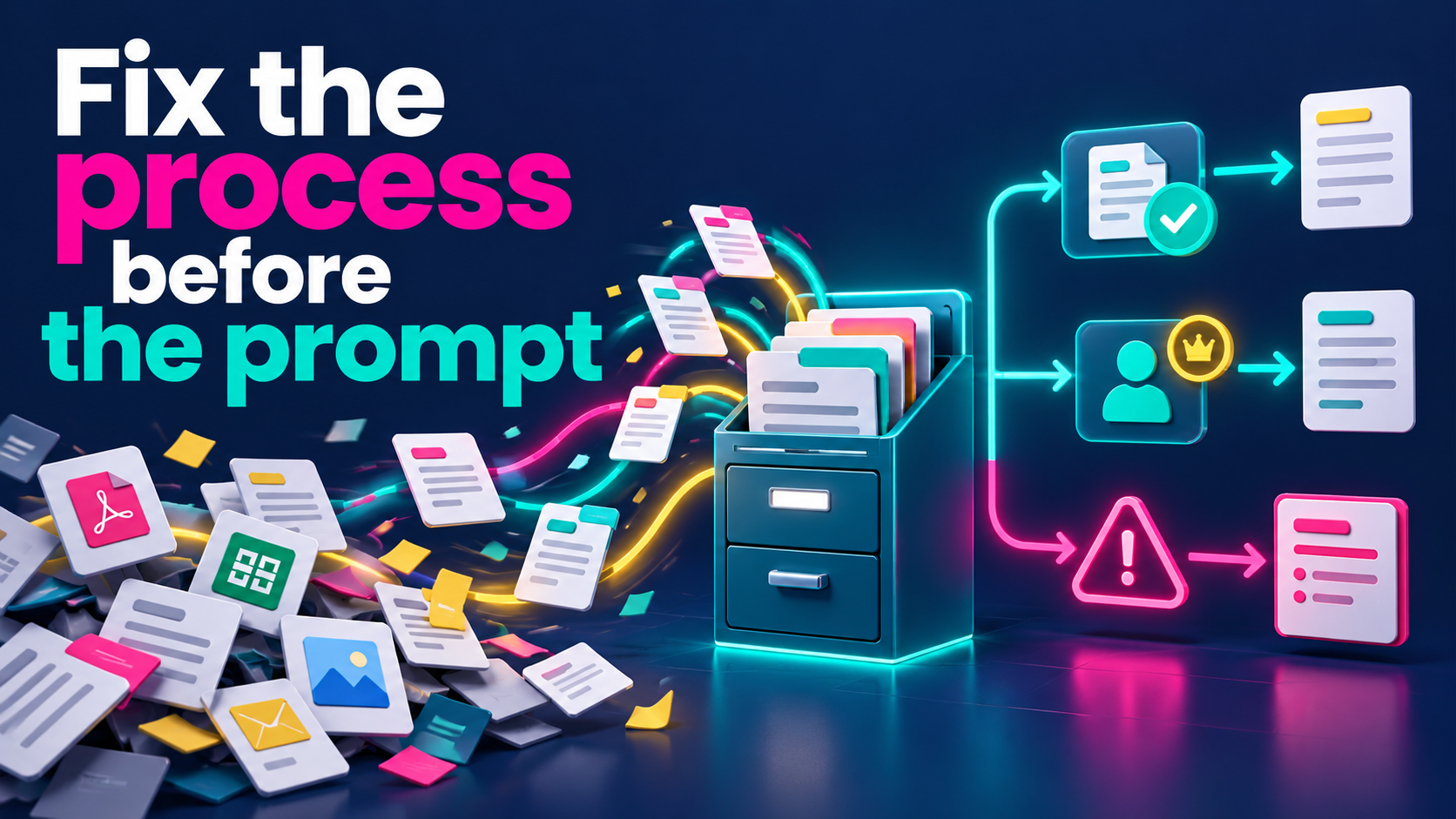
Imagine a policy library. Staff need the policy they should follow. The policy owner needs to see which documents require attention. A manager wants to understand what is overdue.
That does not automatically require three copies of the library.
It requires clear information about the documents and a useful starting point for each audience. SharePoint columns can hold details such as an owner or review date, while views can present selected columns and filter, sort or group the same library. Those views organise content; they do not replace permissions.
One file. Three experiences.
The important part is agreeing what the information means. If a status says “Current”, who confirmed that? If a review date has passed, what happens? If the owner leaves, who takes over?
“We added a column” is not the same as answering those questions.
Before you brief Copilot, edit the brief
I am enthusiastic about using AI to make work easier. I am considerably less enthusiastic about giving it an ambiguous brief and treating a polished answer as proof that the underlying decisions have been made.
Try describing the problem before asking for a solution:
Staff need to identify the policy they should use. Owners need to see which documents require a decision. Help me plan a simple library experience. Ask what “current” means before suggesting the final structure.
That is a more useful conversation than “Make our SharePoint better.”
You can use AI to question a proposed structure, draft clearer labels or think through awkward cases. You still need someone to decide what the organisation actually means and who is responsible.
My line is There is no AI without IA. I mean it as a practical challenge: do the information architecture work that makes the answer easier to trust. Buying the assistant does not make those decisions disappear.
Do one useful edit this week
Choose a place where people regularly get stuck. One library is enough. One confusing page is enough.
Ask someone who uses it to complete a real task while you watch. Find the policy. Get the template. Work out what happens next.
Notice where they hesitate. Ask what they expected to see. If they need to message a colleague for an explanation, write that down too. The colleague may be performing a function the site should explain.
Then make one considered change. Clarify the label. Confirm the owner. Give superseded content an agreed treatment. Put the next action where a person would look for it.
Try the task again. Has the uncertainty actually reduced?
That is a more useful measure than how many new pages you have published.
You do not have to turn your entire intranet into a masterpiece before Friday. You do have to stop treating confusion as the reader’s responsibility.
A little structure. Considerably less chasing.
Want a place to start? Get the FREE SharePoint Ready Scorecard. 25 quick checks. Know what to fix first in SharePoint.