While developing a governance framework alongside the implementation of Orchestry, one area required careful consideration—naming conventions.
Naming is often treated as a rule to define once and apply everywhere. In practice, that approach creates more problems than it solves.
The issue isn’t naming itself. It’s applying the same logic to environments that behave completely differently.
Governance Isn’t a Document — It’s Built Into the Environment
One of the key shifts in this approach is that governance is not something users are expected to remember or interpret.
With the right tooling, governance is:
- Built into templates
- Applied through provisioning
- Enforced at the point of creation
With Orchestry, users don’t sit there trying to come up with the “right” name. They request a workspace, select the type (project, department, external, etc.), and the system applies the naming convention automatically.
That means no inconsistency, no duplication, and no reliance on users to “get it right” — which, in most environments, is exactly where things tend to fall apart.
Not All Workspaces Should Be Named the Same Way
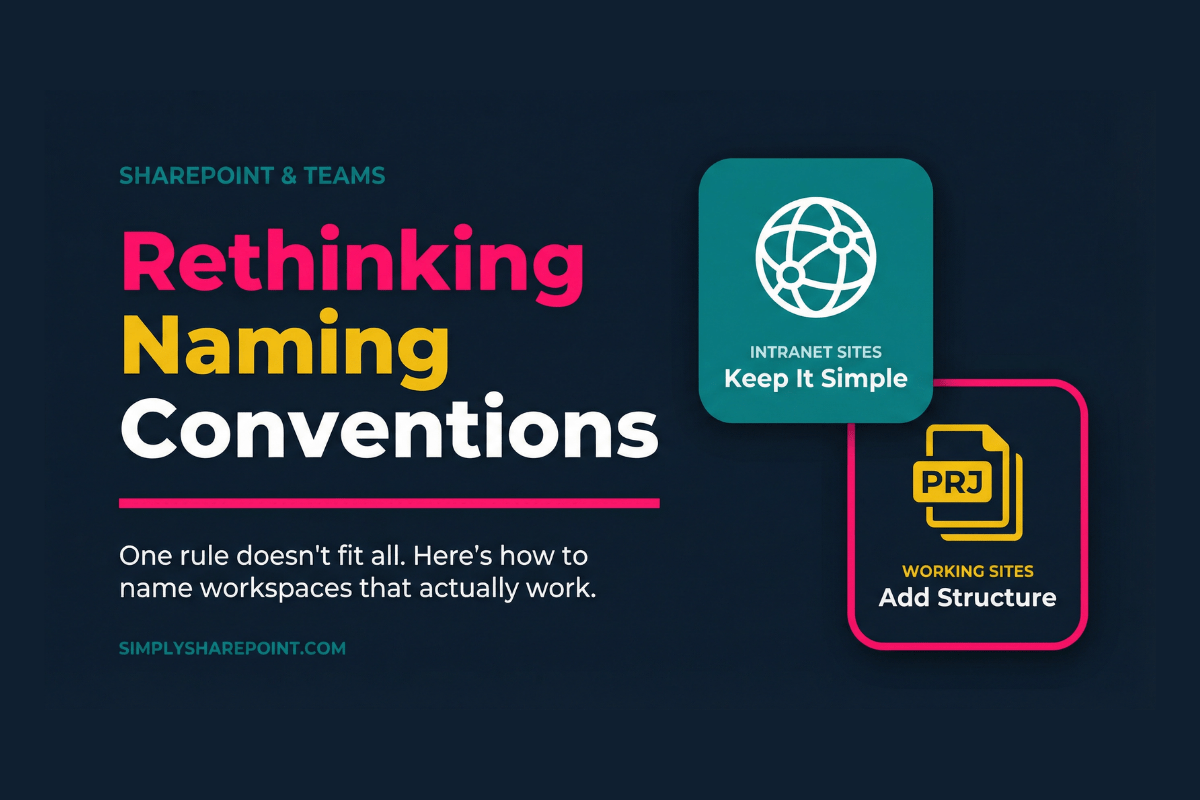
A more practical approach is to separate workspaces into two categories: Intranet (Communication) Sites and Working Sites (Teams, Projects, Operational Workspaces). Each serves a different purpose — and should be designed accordingly.
Intranet Sites: Keep It Simple
Intranet sites — typically built as communication sites in SharePoint — are designed for visibility and navigation. Adding prefixes or structured naming here doesn’t improve anything. It just adds friction.
Recommended Approach
Use clear, natural names:
No prefixes. No codes. No “DEPT – Finance” situation.
“Let me just head over to DEPT – Human Resources.”
No one has ever said that. And no one ever will.
Working Sites: Structure Where It Matters
Working sites — created through Microsoft Teams and their connected SharePoint sites — are different. They’re created frequently, searched for constantly, and are prone to duplication. This is where naming conventions actually earn their keep.
Recommended Approach
Apply a structured naming pattern:
| Prefix | Example Name | What It Signals |
|---|---|---|
| PRJ | PRJ – CRM Implementation | Project workspace |
| EXT | EXT – Deloitte Audit | External / third-party |
| OPS | OPS – Vendor Management | Operational workspace |
This provides immediate context, better searchability, and reduces the chance of a duplicate team being created because no one could find the existing one.
A Quick Note on Document Naming
If you’ve read my previous posts, you’ll know I don’t rely on naming conventions for documents. And that hasn’t changed.
Documents should be structured using metadata, content types, and views — not long file names trying to do the job of a system.
The only time structured document naming really applies is in tightly controlled environments — legal, regulatory, or compliance-heavy scenarios.
So no, this isn’t a contradiction. It’s the same principle applied properly:
Use naming where it adds value. Use structure where it matters.
The Real Problem Naming Tries to Solve
A lot of complex naming conventions are really just compensating for missing structure. Things like:
PRJ-FIN-AU-2025-Budget-Phase1-Final
This isn’t governance. This is everything being forced into a name because there’s nowhere else for it to go. That’s what metadata is for.
When your naming convention starts to look like a filing code, it’s usually a sign that the underlying structure isn’t doing its job.
Why This Approach Works
- Intranet stays clean and easy to navigate
- Working sites stay structured and scalable
- Users don’t need to think about naming
- Governance becomes part of the system — not a rulebook to remember
When you separate naming by purpose and enforce it through provisioning, the whole thing just works. No policy document required. No training session on “how to name your team.” It’s handled.
Final Thought
Naming conventions aren’t the goal. Clarity is.
And the simplest way to get there is to stop trying to solve everything with one rule. Separate your environments, apply structure where it counts, and let the system do the heavy lifting.
That’s not cutting corners. That’s governance done properly.
Ready to sort out your SharePoint environment?
The Simply SharePoint Hub has practical resources to help you clean up, structure up, and set up SharePoint the right way — without the consultancy price tag.
Explore the Hub →
Hi, I’m Liza 👋
Microsoft MVP (SharePoint) • Information Architecture Specialist
I’ve been working with SharePoint for nearly two decades, across consulting and in-house roles, helping organisations design, clean up, and scale their Microsoft 365 environments.
My focus is information architecture — the layer that determines whether search works, governance sticks, and tools like Copilot actually deliver value… or quietly make things worse.
Through Simply SharePoint, I share practical, real-world guidance on structuring libraries, designing metadata, managing permissions, and fixing the issues that policies and “best practice” slides never really solve.
Everything here is based on how SharePoint is actually used — not how we wish it was used — with a strong emphasis on foundations that scale and hold up in the AI era.