Teams vs SharePoint vs OneDrive
Understand where your files should go so nothing gets lost, duplicated, or messy.
One of the biggest frustrations in Microsoft 365 is knowing where things belong. Files end up scattered across Teams, SharePoint, and OneDrive—and suddenly no one can find anything.
The tools aren’t the problem. The confusion is.
This page shows you exactly how to use each tool so your environment actually works.
Fix the Mess™: Most environments aren’t broken—they’re just unclear. Once you understand where things belong, everything becomes easier.
What’s the Difference?
OneDrive = Personal Work
Use OneDrive for drafts and anything not ready to share.
Teams = Collaboration
Use Teams when you're working with others in real time.
SharePoint = Structured Storage
Use SharePoint for organised, long-term document management.
When to Use Each Tool
- Use OneDrive for personal work
- Use Teams for collaboration
- Use SharePoint for structured storage
How Files Should Flow
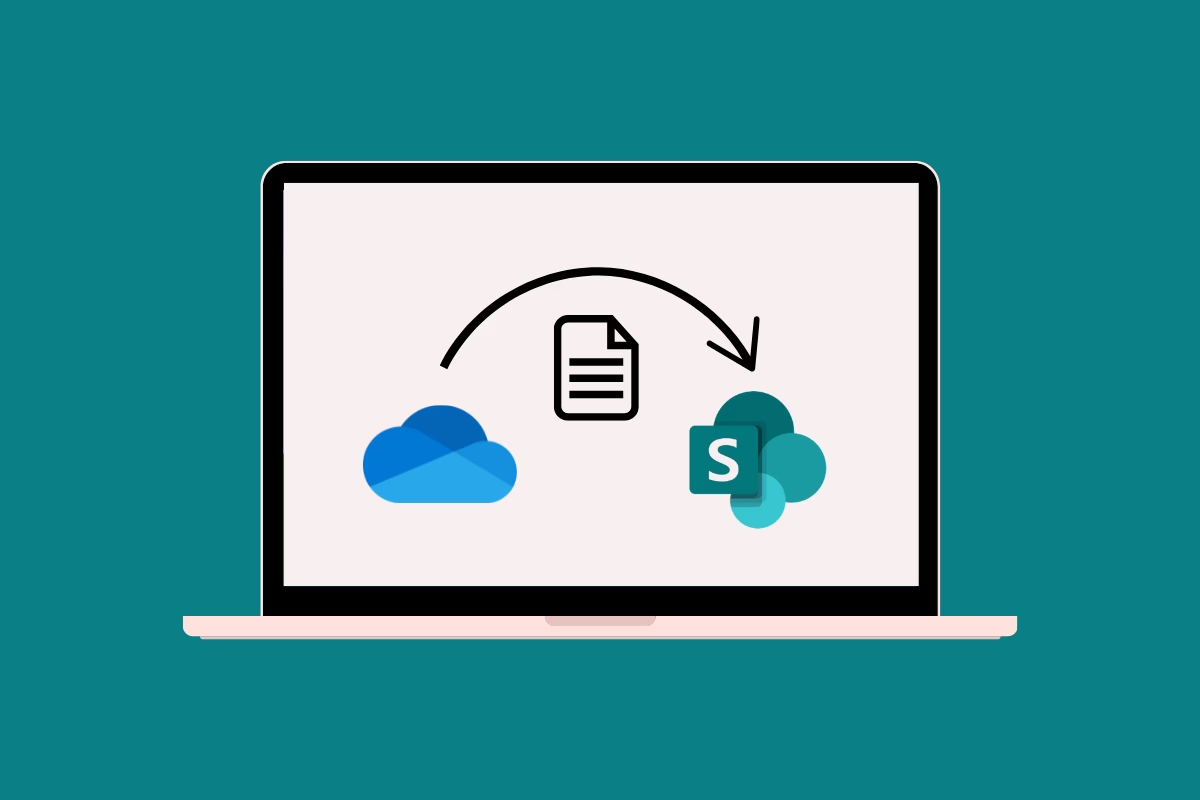
Start in OneDrive → collaborate in Teams → store in SharePoint.
Common Mistakes
- Storing team files in OneDrive
- Using Teams as a filing system
- Ignoring SharePoint structure
Not Sure Where Anything Should Go?
Download the free M365 Map and see exactly when to use Teams, SharePoint, and OneDrive in real scenarios.
Get the M365 Map →