
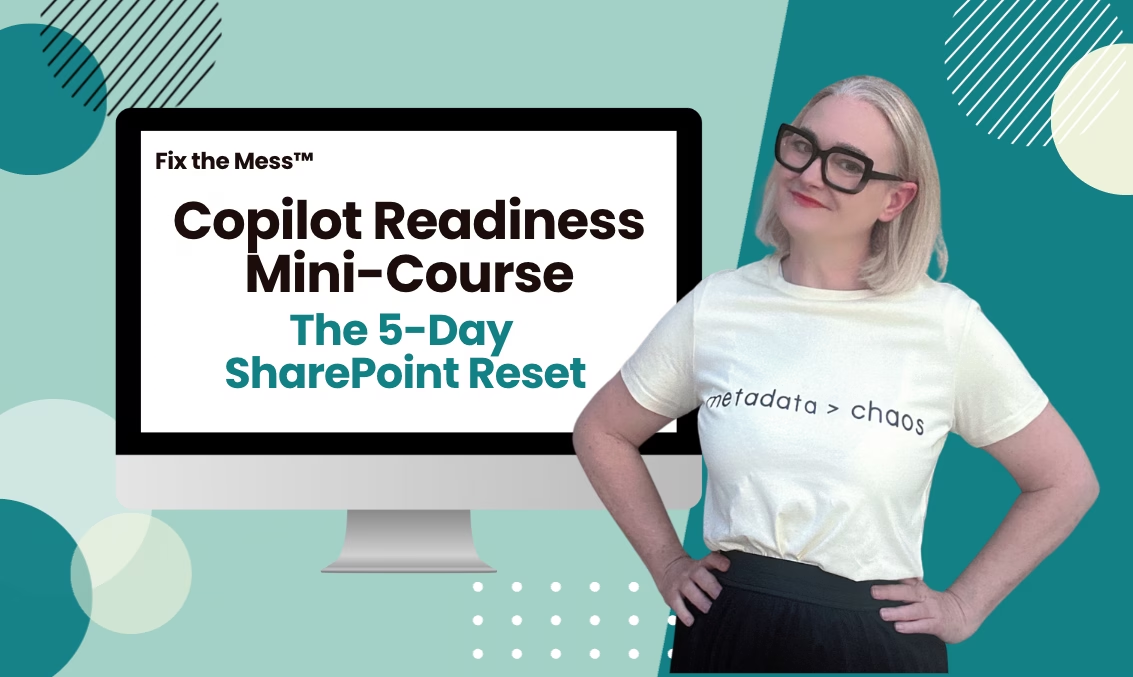
Microsoft Copilot promises to change the way you work—but only if your SharePoint is ready. If your document libraries are full of outdated files, tangled folders and no clear structure, Copilot will pull the wrong information (or nothing at all).
Files named “Final_v4_ACTUALfinal_revised.docx” everywhere
Folders nested six levels deep, impossible to navigate
Outdated policies, templates, and drafts living side by side
Teams wasting time searching instead of working
If this sounds familiar—you’re not alone. But it doesn’t have to stay this way.
Over 5-days you will work towards fixing up one document library.
This mini course is designed for anyone who manages or uses SharePoint every day—no admin permissions or IT background required.
SharePoint Site Owners & Managers
Team leads responsible for document libraries
Anyone who wants Copilot to deliver the right answers
End users frustrated by “SharePoint chaos” and ready for change

Liza has spent more than 18 years working with organisations of every size, from major corporations to government departments, helping them untangle and transform messy SharePoint environments. Over the years, she has seen it all—the cluttered libraries, the endless folders, and the frustrated teams trying to make sense of it. This course is designed for the way SharePoint actually works in the real world, giving you clear, actionable steps to clean up and organise your document libraries so your team can finally find what they need.
Just 30–45 minutes a day for five days.
No. This is designed for everyday users and site owners.
No problem! You get lifetime access and can go at your own pace.
Yes! These steps will improve your SharePoint now and future‑proof it for Copilot later.
Most free training explains what SharePoint can do—it doesn’t help you fix the chaos you already have. This course is all about practical cleanup steps for real workplaces.
Yes! Teams and OneDrive are connected to SharePoint under the hood. Cleaning up your SharePoint site will also improve how you work in Teams and OneDrive.
Your purchase is for a single user, but you can absolutely share what you learn with your team. If you want everyone to access the videos and templates directly, there are team licence options available—just reach out.
This blog is a personal project created independently by me. All views, opinions, and content expressed on this site are my own and do not represent the views of my employer or Microsoft.
© 2025 Simply SharePoint. All rights reserved. | Fix the Mess™ and The Container Method™ are trademarks of Simply SharePoint.