
We talk about AI constantly — at work, online, and in headlines — but we rarely stop to look at how people are actually using it in real life. Over Christmas, an unplanned conversation around my family table made that gap impossible to ignore. Same year, same technology, completely different experiences depending on who you asked. That conversation became the basis for the podcast episode embedded above, but this post captures the short version of what it revealed — and why it matters.
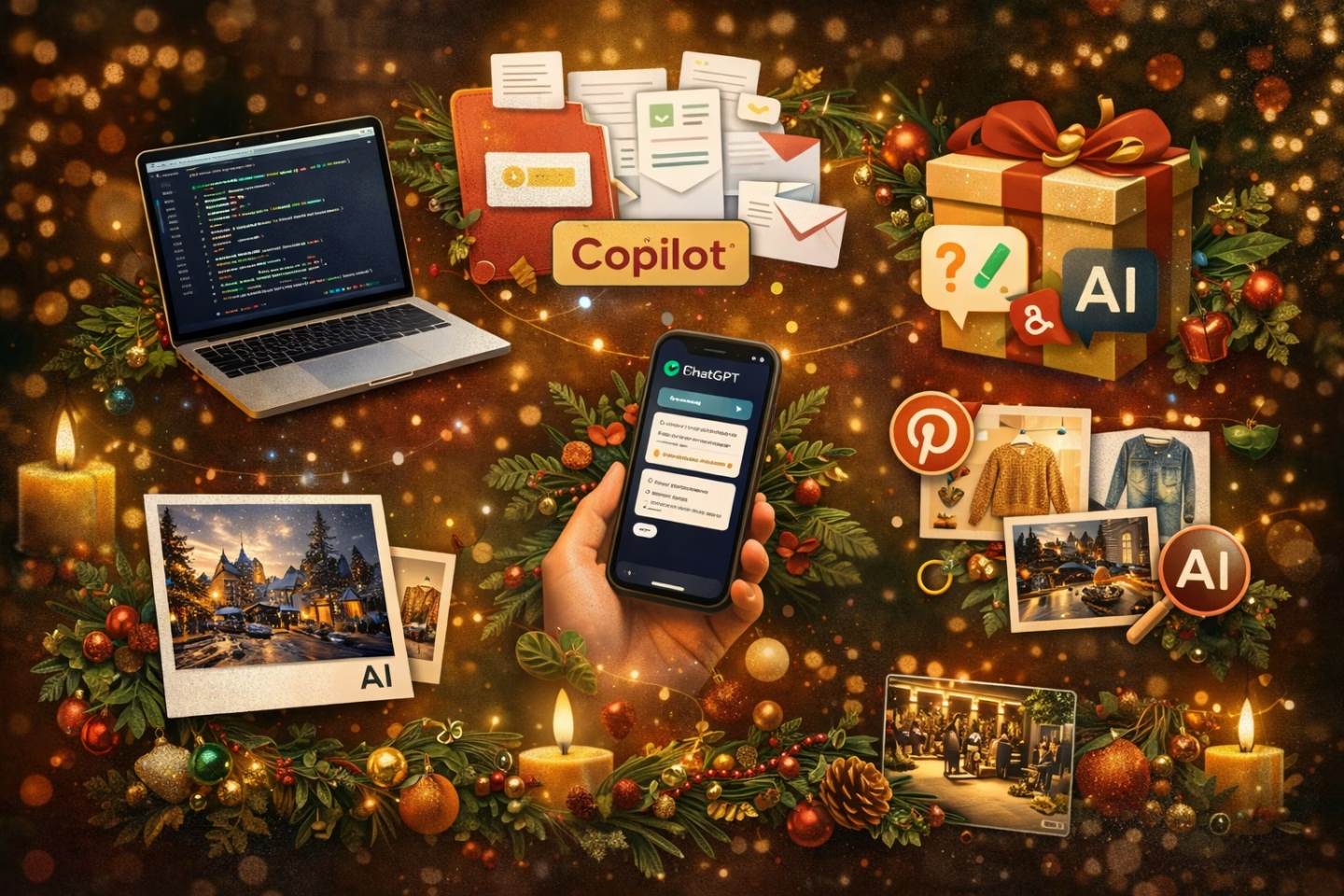
At one table, we had multiple generations and multiple workplaces represented, and not one AI story was the same. A developer using ChatGPT daily to pull together complex technical reports and save hours of work. A creative experimenting with AI-generated video and imagery, even transforming travel photos into physical Christmas cards. An organisation feeling pressure to “use AI” without knowing why or how. A parent quietly replacing Google with ChatGPT because asking questions feels faster and more natural. And a group of Gen Z and Gen Alpha kids who were completely unimpressed. That contrast alone says a lot.
One of the biggest myths around AI is that younger generations automatically embrace it while older generations struggle. That wasn’t the case at all. The youngest people at the table were the most critical. They talked about how AI has taken over platforms like Pinterest, replacing real inspiration with polished, artificial aesthetics. They found it disappointing, fake, and lazy. Meanwhile, older generations were using AI pragmatically — to save time, to ask better questions, or to bring information together more efficiently. What became clear very quickly was this: AI adoption has very little to do with age, and everything to do with relevance.
Another strong theme that came up was pressure. Many organisations are being told they should be using AI, but without clear goals, structure, or guidance. There’s excitement, but also confusion, with curiosity mixed with uncertainty. From working deeply in AI readiness over the past six months, one pattern keeps repeating: AI doesn’t fix messy systems — it exposes them. Without clear information, structure, and purpose, AI tools like Copilot struggle, and so do the people using them.
What that Christmas table conversation reinforced for me is that AI doesn’t need to be loud, performative, or everywhere. When it works best, it’s quiet. It helps people think more clearly, supports creativity rather than replacing it, and saves time where structure already exists. It only adds real value when it fits naturally into how people already live and work.
The podcast episode embedded above goes much deeper into this conversation — from work and creativity to readiness, recovery, and what I’m taking into 2026. If you’re curious about how AI is actually showing up in real lives, not just headlines, it’s worth a listen.
Ultimately, the future of AI won’t be defined by hype, age, or how many tools an organisation rolls out. It will be defined by how well AI fits into real human contexts — at work, at home, and sometimes, unexpectedly, around a table.

Hi, I’m Liza 👋
Microsoft MVP (SharePoint) • Information Architecture Specialist
I’ve been working with SharePoint for nearly two decades, across consulting and in-house roles, helping organisations design, clean up, and scale their Microsoft 365 environments.
My focus is information architecture — the layer that determines whether search works, governance sticks, and tools like Copilot actually deliver value… or quietly make things worse.
Through Simply SharePoint, I share practical, real-world guidance on structuring libraries, designing metadata, managing permissions, and fixing the issues that policies and “best practice” slides never really solve.
Everything here is based on how SharePoint is actually used — not how we wish it was used — with a strong emphasis on foundations that scale and hold up in the AI era.
